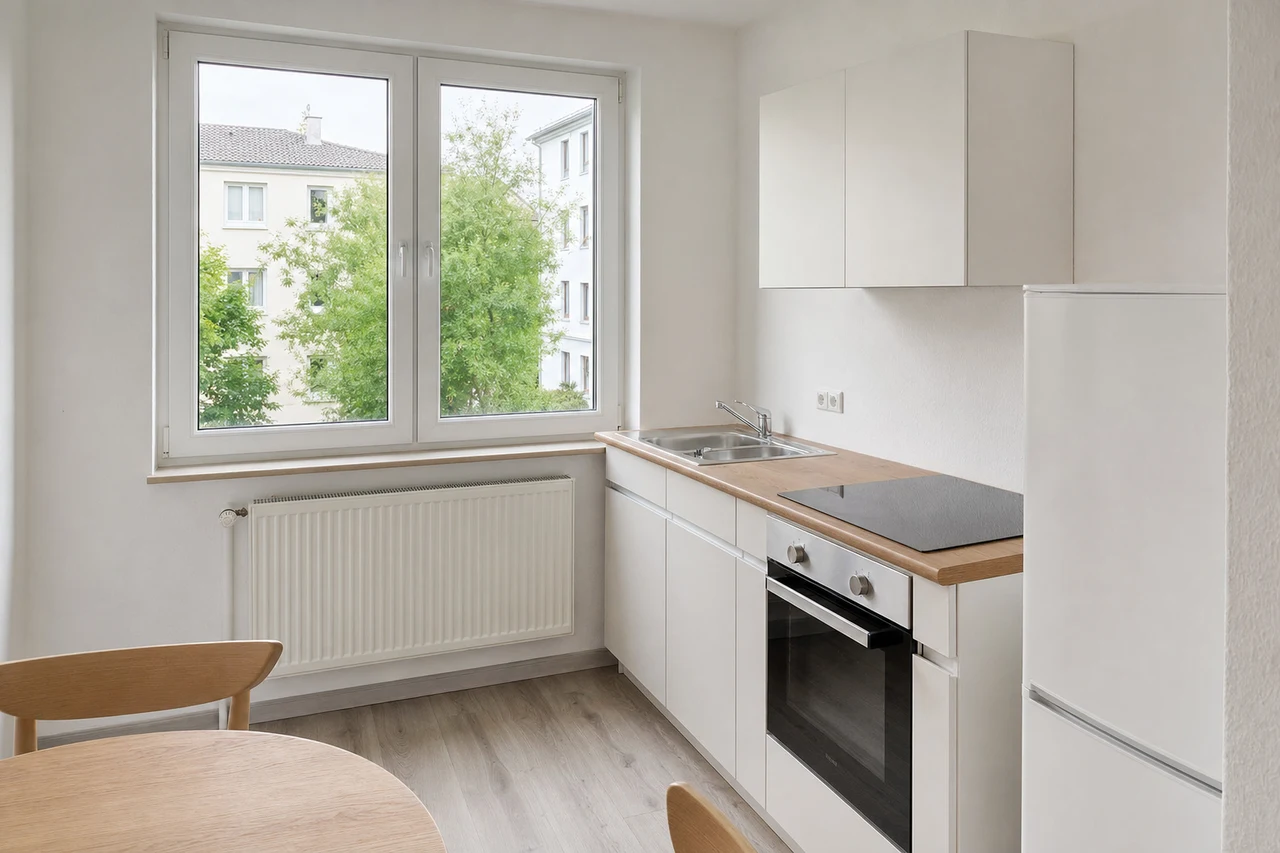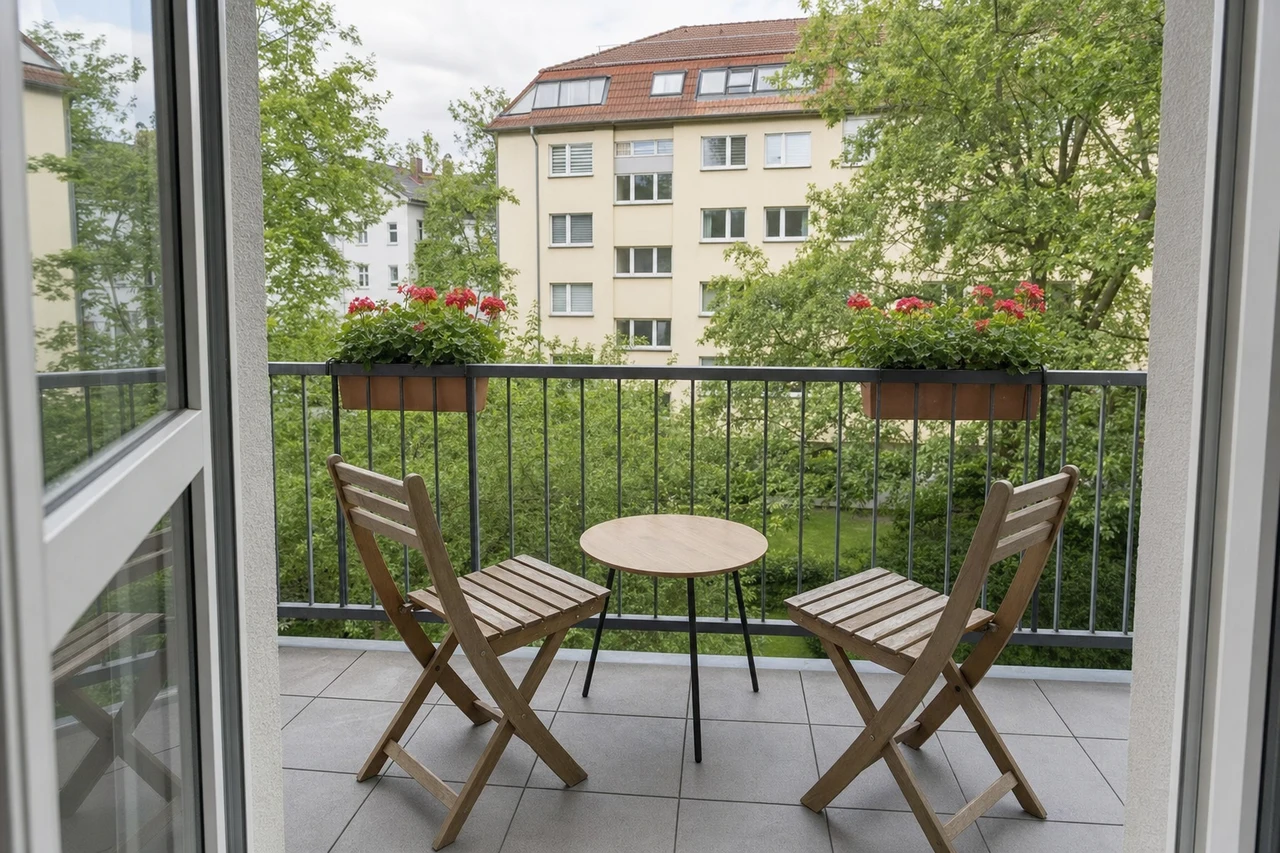
Turn text into images
Product shots, social posts, invitations or posters from a description — photorealistic or illustrated
One sentence is enough: tell OMVIN what to do – and which model to use, if you have one in mind. If not, OMVIN picks the right one itself. This page shows everything that’s connected: 1,219 models at a glance.
In OMVIN, an agent carries out every task: a language model that plans, writes, codes and, when needed, calls the specialist models for image, video and voice. How well it thinks is measured by the Intelligence Index — determined independently. You name the model for your task or ask OMVIN which one it recommends.
Claude Haiku 5.5 by Anthropic · since 8 October 2026
Efficiency line: connects the models for which no other model is both smarter and cheaper.Efficiency line: connects the models for which no other model is both smarter and faster.
In shortOn the efficiency line: MiMo 2.6 Flash, GPT-6 Luna, MiMo 2.6 Pro, GPT-6.1 Sol, GPT-6 Astra and Claude Opus 5.5. Cost per task ranges from $0.06 to $7.63 — more than a hundredfold.On the efficiency line: Claude Opus 5.5 and Claude Haiku 5.5. Claude Haiku 5.5 writes 243 tokens per second, more than six times as fast as MiMo 2.6 Pro.
| Model | Provider | Intelligence Index (points) | Cost per task (US dollars) | Speed (tokens per second) | On the efficiency line |
|---|---|---|---|---|---|
| Claude Opus 5.5 | Anthropic | 58 | $5.98 | 96 | Cost, Speed |
| Claude Fable 5.1 | Anthropic | 53 | $7.63 | 68 | no |
| GPT-6 Astra | OpenAI | 53 | $3.26 | 46 | Cost |
| GPT-6.1 Sol | OpenAI | 52 | $0.72 | 55 | Cost |
| GPT-6 Sol | OpenAI | 48 | $1.04 | 85 | no |
| MiMo 2.6 Pro | Xiaomi | 46 | $0.13 | 40 | Cost |
| Claude Haiku 5.5 (new in OMVIN since 8 October 2026) | Anthropic | 43 | $0.21 | 243 | Speed |
| GPT-5.6 Terra | OpenAI | 42 | $1.40 | 108 | no |
| GLM 5.3 Flash | Zhipu AI | 42 | $0.25 | 51 | no |
| DeepSeek V4.1 Flash | DeepSeek | 39 | $0.27 | 223 | no |
| Claude Sonnet 5 | Anthropic | 38 | $5.09 | 79 | no |
| GPT-6 Luna | OpenAI | 38 | $0.07 | 127 | Cost |
| MiMo 2.6 Flash | Xiaomi | 38 | $0.06 | 57 | Cost |
Source: Artificial Analysis (Intelligence Index v4.3.2), as of 8 October 2026. Measured at each model’s highest reasoning level. Cost: what the provider charges on average for one index task — a measure of cost-efficiency, not your price in OMVIN. Speed: tokens (word fragments) generated per second, measured continuously. For your own tasks, the ranking may differ.
32 concrete use cases in five areas, from image to text. For each, we name the three best models — the first is our recommendation.
Create new visuals, edit photos, cut them out and sharpen them — from ad images to team photos.
Product shots, social posts, invitations or posters from a description — photorealistic or illustrated
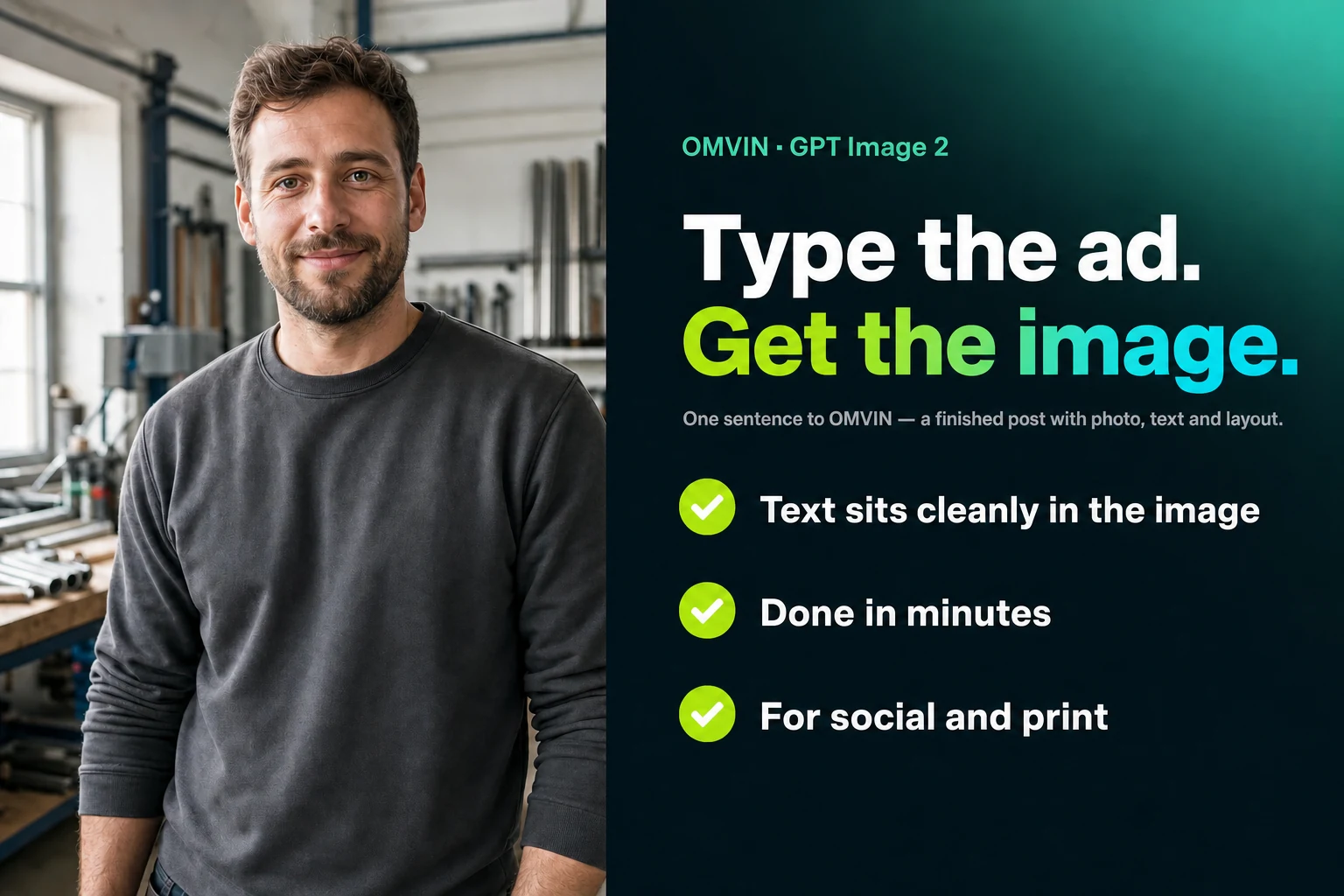
Job ads, menu boards, explainer graphics and posters with legible lettering right in the image
Logos, pictograms and print-ready graphics as a scalable vector file
Swap objects, change the time of day, rotate the view or restyle — with one sentence instead of Photoshop
Cleanly cut out products, people or objects and place them on a new background
Retouch away cables, passers-by or lettering and extend the image for any format
Make old family photos, phone pictures or small logos sharp and print-ready
Try clothes on a model, stage products — no photo studio needed
CV photos, consistent staff portraits or your own face in new scenes
Recognise text on receipts and delivery notes, count objects, describe photos automatically
Videos from a sentence or a photo, with sound, subtitles and a talking avatar — no camera, no editing.
Commercials, reels and brand films from a description — no shoot, no editing
Listing photos become a tour, dishes steam, products spin — from a single image
Clips that come with sounds, voice and music built in — no audio post-production
A photo plus text becomes a website greeting or an announcement with a face
Existing videos in other languages — lip movement fits the new audio track
Change the style, swap objects, extend or reframe a clip — with a sentence
Denoise and sharpen phone footage and old films and bring them up to 4K
Cut out people and products in video — green screen with no green screen
Generate subtitles automatically, summarise videos and make them searchable
Generate fitting sounds and music for AI videos or edited footage
Have texts read aloud naturally, transcribe conversations, create music and sounds — in any language.
Phone greetings, voice-overs for videos or your own audiobook — natural and multilingual
The owner’s voice speaks the hold message and explainer video — only with her consent
Site measurements by voice memo, dictation, meetings and voice messages as clean text
Background music for videos and in-store sound, jingles or a song for an anniversary
Sounds for explainer videos, apps and presentations from a description
Remove noise and reverb, isolate voices, split music into stems
Finished 3D models from a photo or a description — for your shop, planning and 3D printing.
Products for your shop, components for planning or figures for 3D printing
Clean geometry, new textures and a skeleton for animation
Write texts, analyse documents, research — and build finished tools and websites from one sentence.
Quotes, emails, applications and website copy — in the right tone, without typos
Summarise contracts, analyse spreadsheets, condense market data into a recommendation
Landing page, mortgage calculator or booking tool from one sentence — ready to embed
Find current information, check sources, translate texts into any language
OMVIN does more than write text: it builds you finished tools. Four examples from a property project, each created from a single sentence — landing page, calculator, market analysis, brochure.
Build a landing page for this flat — commission-free, with a viewing button.
Build a cost calculator for our clients.
Analyse the local market and show me prices and demand.
Turn this into a finished brochure ready to send.
1,219 models in 27 categories, as of 7 October 2026. Above, each use case shows the top three — here is the rest. Pick a use case and only the models that serve it remain; the recommendations from above are marked.
Versions and availability change constantly; the catalogue is updated regularly. The mapping to use cases follows the models’ names and descriptions and is a guide, not a guarantee.
No subscription jungle, no switching tools: you describe what you need and name the model — or ask OMVIN for a recommendation. OMVIN calls it and delivers the result — for your business, practice, shop or at home.
Diese Seite gibt es auch auf Deutsch.